
Overview
You can use this endpoint to receive a manual (cash) payment for a single existing sales order. To consume it, you must be an Authenticated User. Once you have obtained a valid token, you must pass it to the call. Additionally, you need a valid ID of an existing order.
Endpoint
An example of this endpoint for server XX:
https://xx.api.sellercloud.com/rest/api/Orders/{orderID}/ReceiveManualPayment
For your server, the endpoint will be:
https://{your_server_id}.api.sellercloud.com/rest/api/Orders/{orderID}/ReceiveManualPayment
Request
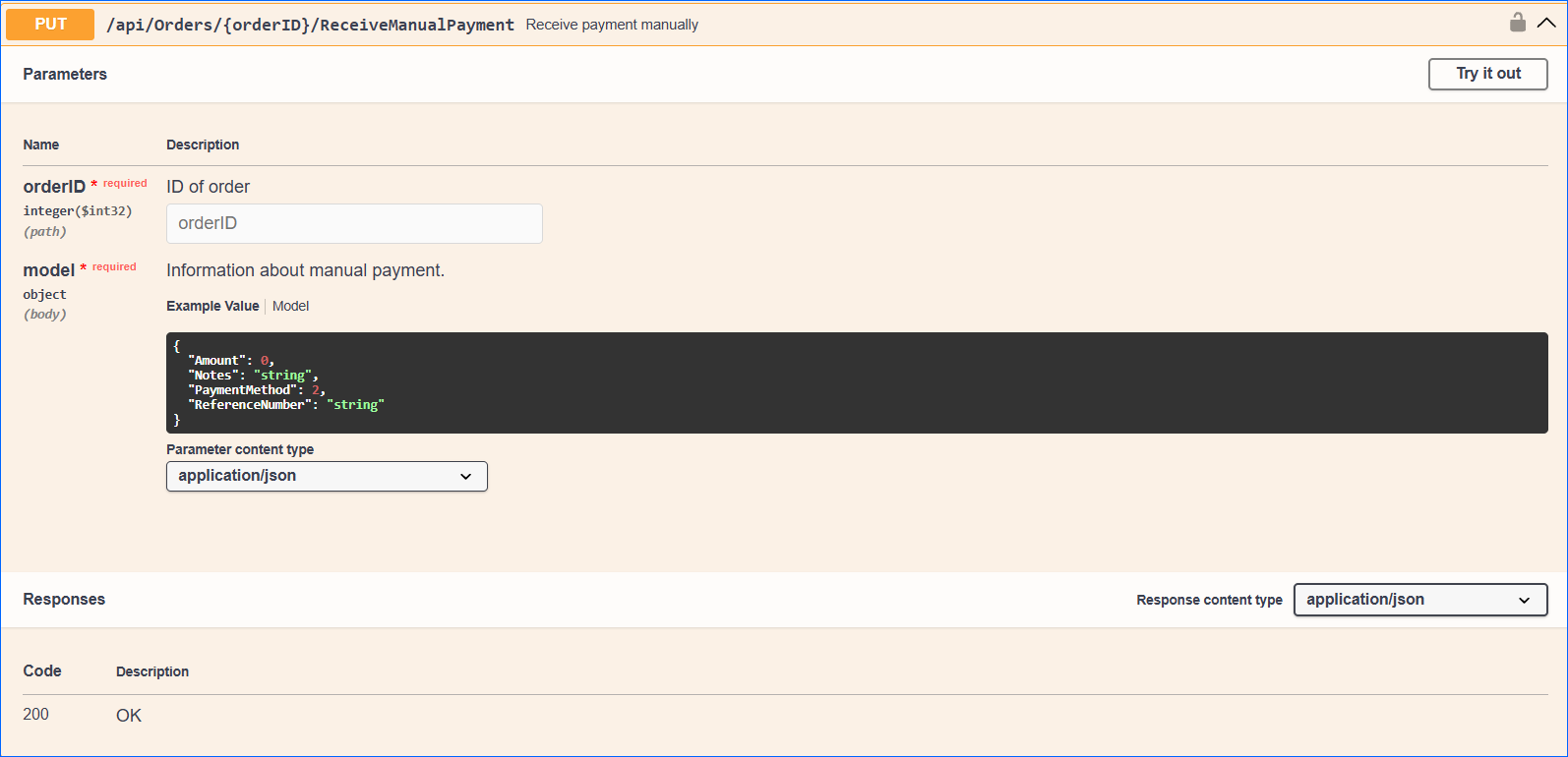
- Method Type: HttpPut
- Authorization: Use Bearer Token + token received from token authentication
- Header info: Content-Type: application/json
- Path: Valid Sellercloud ID of an existing Sales Order.
- Parameters (body):
| Parameter | Data Type | Description | Is Required |
| Amount | decimal | Amount to receive. | yes |
| Notes | string | Additional notes for the payment. | no |
| PaymentMethod | enum | Mandatory field specifying if received by cash, email, PayPal, gift certificate, etc. | yes |
| ReferenceNumber | string | Reference number.
Reference number is optional only for Cash and PayPal methods. For other methods, it’s required. |
depends |
Request Body
{
  "Amount": 0,
  "Notes": "string",
  "PaymentMethod": 2,
  "ReferenceNumber": "string"
}
Response
- If the user is authenticated and provides a valid Order ID, the response will be Status Code 200 => OK.
- If the user is not authenticated, the response will be Status Code 401 => Not Valid Token.
- In case of an error, the response will be Status Code 500 => Internal Server Error.
Payment Method Enums
{
   Cash = 4,
   Email = 8,
   GiftCertificate = 5,
   Other = 6,
   PayPal = 2,
   PurchaseOrder = 10,
   Telephone = 7,
   Wire = 19
}