
Overview
With this endpoint, you can retrieve the Output File of a single existing Queued Job. To consume it, you must be an Authenticated User. Once you have obtained a valid token, you must pass it to the call. Additionally, you need a valid ID of an existing queued job.
Endpoint
An example of this endpoint for server XX:
https://xx.api.sellercloud.com/rest/api/QueuedJobs/OutputFile/{id}
For your server, the endpoint will be:
https://{your_server_id}.api.sellercloud.com/rest/api/QueuedJobs/OutputFile/{id}
Request
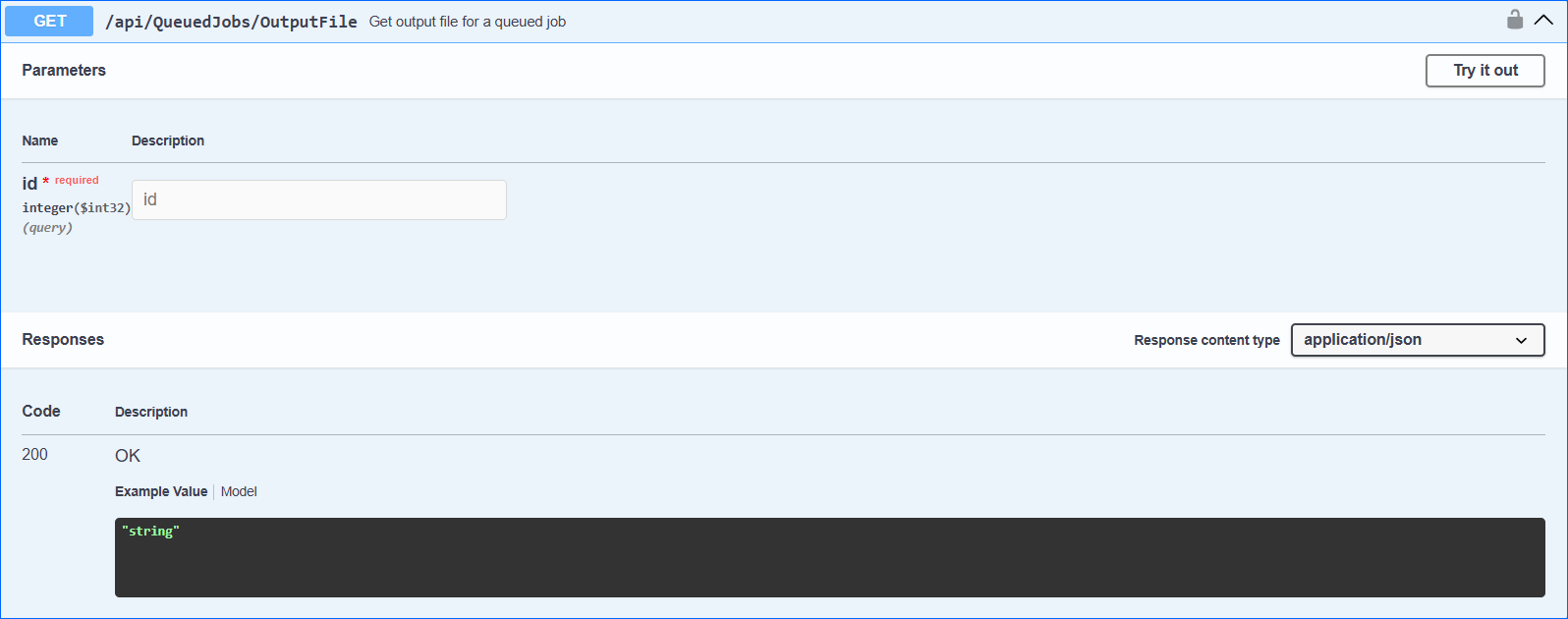
- Method Type: HttpGet
- Authorization: Use Bearer Token + token received from token authentication
- Header info: Content-Type: application/json
- Query Parameter: ID of the existing Queued Job
| Parameter | Data Type | Description | Is Required |
| id | integer | The ID of the existing queued job. | Yes |
Response
- If the user is authenticated, the response will be Status Code 200 => OK and it will contain the encoded array of bytes, which represent the file content. The response content should be decoded from base-64, and the array of bytes can be used to save and open the file. The name of the file and its extension are stored in the content header as a ContentDisposition item.
- If the user is not authenticated, the response will be Status Code 401 => Not Valid Token.
- In case of an error, the response will be Status Code 500 => Internal Server Error.
Demo in c#
static async Task Main(string[] args)
        {
            await GetOutputFile();

            Console.WriteLine("Output file successfully downloaded!");
        }


static async Task GetOutputFile()
        {

   // Valid ID of a queued job must be provided here
   int jobID = 28142;

   // URL for downloading output file of a queued job
   string url = $"http://localhost:64158/api/QueuedJobs/OutputFile?id={jobID}";

   // Valid token must be provided here
   string token = "test token";

            using (HttpClient client = new HttpClient())
            {
                client.DefaultRequestHeaders.Authorization =
                new AuthenticationHeaderValue("Bearer", token);
                HttpResponseMessage responseMessage = await client.GetAsync(url);

                var content = responseMessage.Content
                                             .ReadAsStringAsync()
                                             .Result;

                var contentInBytes = Convert.FromBase64String(content);

                System.IO.File.WriteAllBytes($@"C:DataTestRuns{responseMessage.Content.Headers.ContentDisposition.FileName}", contentInBytes);
            }
        }