
Overview
This endpoint allows you to update the Priority status of a single existing Queued Job. To consume it, you must be an Authenticated User. Once you have obtained a valid token, you must pass it to the call. Additionally, you need a valid ID of an existing queued job.
Endpoint
An example of this endpoint for server XX:
https://xx.api.sellercloud.com/rest/api/QueuedJobs/Priority
For your server, the endpoint will be:
https://{your_server_id}.api.sellercloud.com/rest/api/QueuedJobs/Priority
Request
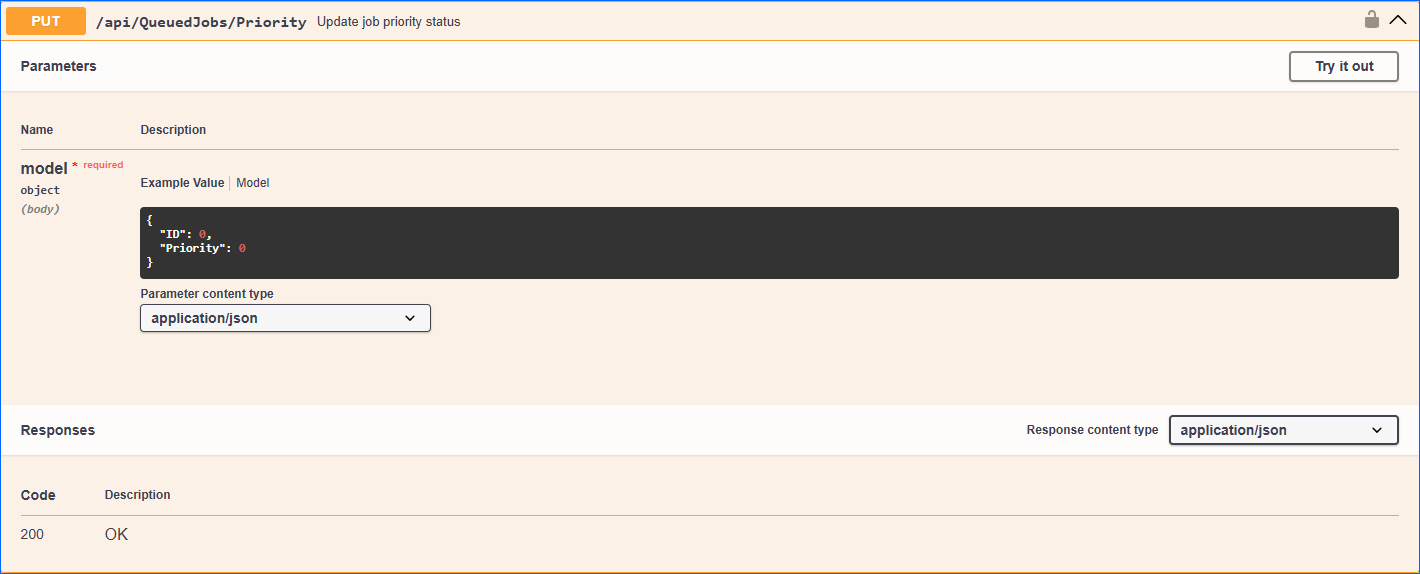
- Method Type: HttpPut
- Authorization: Use Bearer Token + token received from token authentication
- Header info: Content-Type: application/json
- Parameters (body):
| Parameter | Data Type | Description | Is Required |
| id | integer | The ID of an existing queued job. | Yes |
| priority | enum | The available values are:
|
Yes |
Request Body
{
  "ID": 0,
  "Priority": 0
}
Response
- If the user is authenticated and provides a valid Queued Job ID and priority code, the response will be Status Code 200 => OK.
- If the user is not authenticated, the response will be Status Code 401 => Not Valid Token.
- In case of an error, the response will be Status Code 500 => Internal Server Error.